Free MacOS Desktop AI Assistant
Built for OpenClaw.
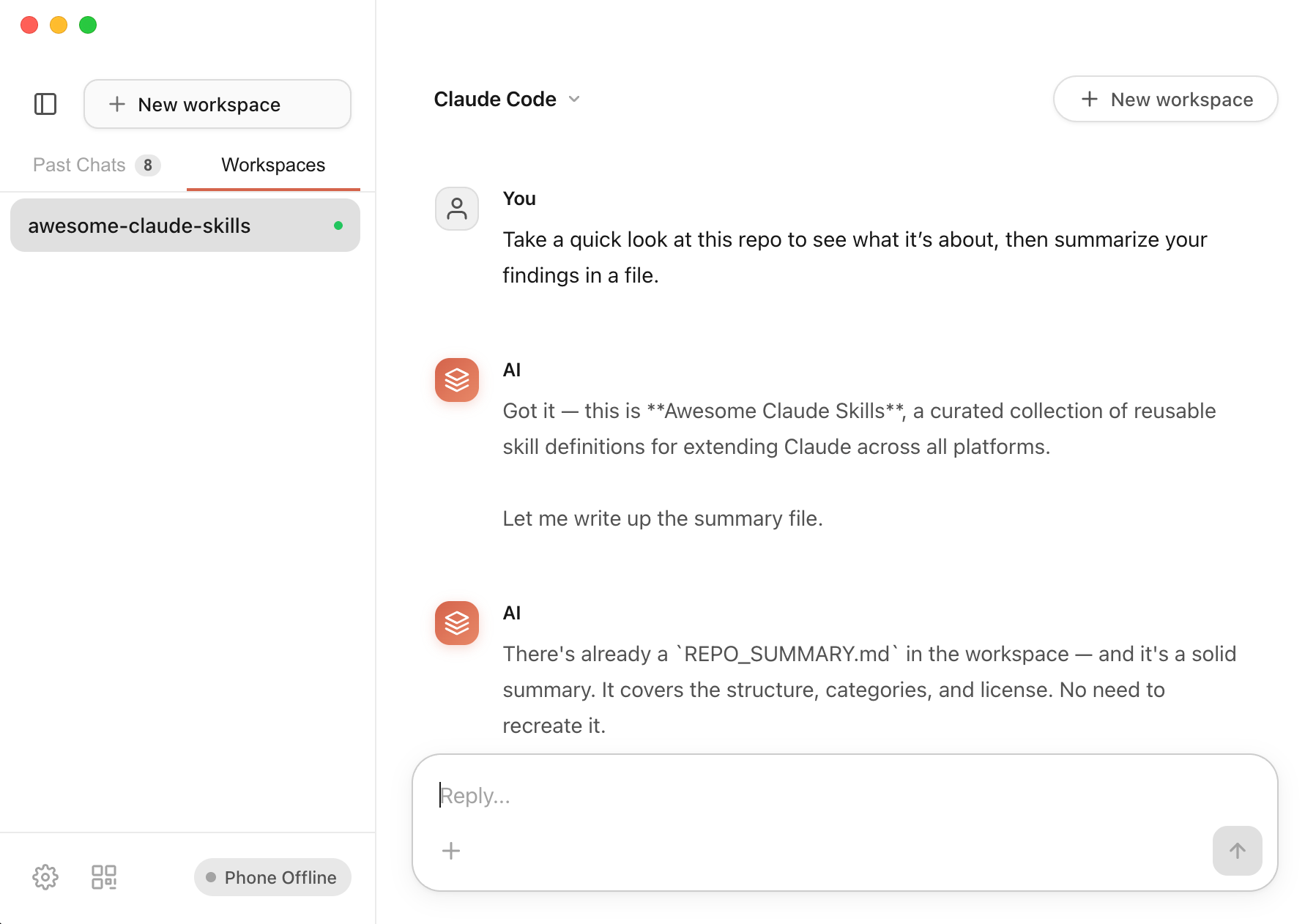
A free desktop app that installs and manages OpenClaw for you — no terminal, no hassle.
How It Works
Three steps to command your desktop AI from anywhere
Download & Launch
Install the desktop app. It creates a secure tunnel automatically — no port forwarding needed.
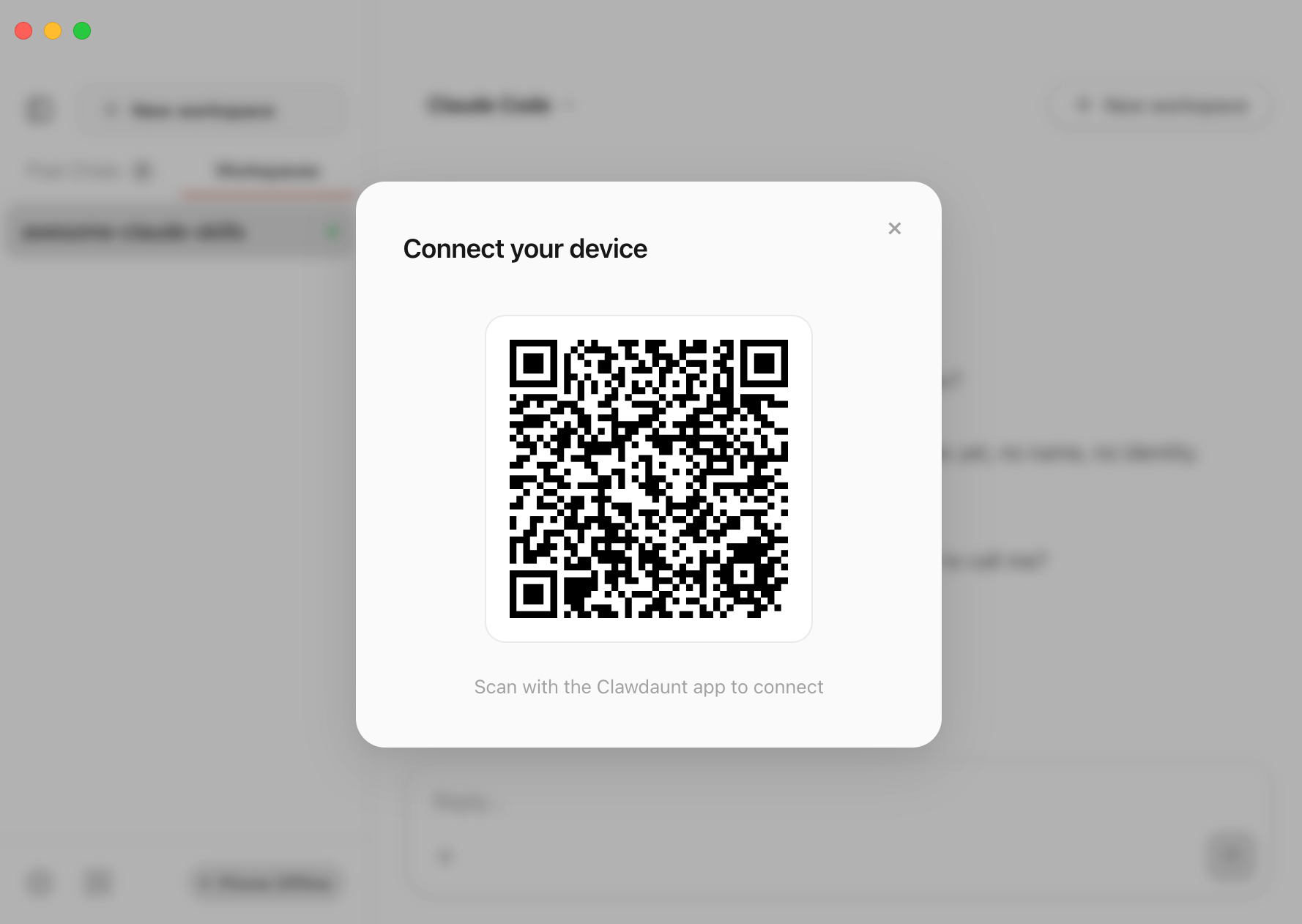
Scan QR Code
Open the mobile app and scan the QR code displayed on your desktop. Your phone connects instantly.
Command Your AI
Chat with your AI, approve tool calls, manage workspaces — all from your phone, from anywhere.
Key Features
Everything you need to control your desktop AI remotely
Multiple AI Sources
Connect to Claude Code, Codex, or bring your own API keys. Switch between AI providers seamlessly.
Secure Tunnel
No port forwarding. Your connection is encrypted end-to-end through a tunnel.
Tool Approvals From Your Phone
Review and approve AI tool calls right from your phone. Stay in control wherever you are.
Workspace Management
Manage multiple projects and workspaces. Switch between them instantly from your phone.
5,700+ Community Skills
Access thousands of MCP server skills built by the community. Extend your AI's capabilities.
Architecture
A simple, secure pipeline from your phone to your AI
Your phone sends commands through an encrypted network tunnel to the desktop app, which interfaces directly with your AI agent (Claude Code, Codex, or custom).